
The supplied material points to the Steam Workshop and Nexus Mods as mod directories. Treat them as discovery sources, not as guarantees that every mod is current or compatible with your save.
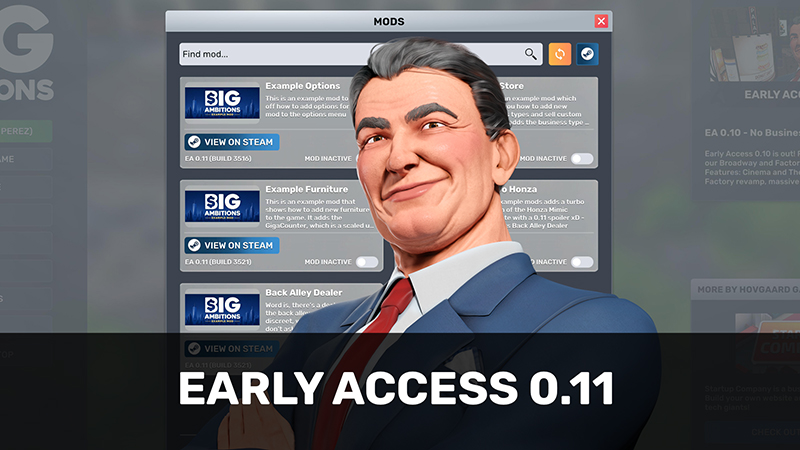
Official Big Ambitions screenshot — source.
Read the mod page before installing
Check the supported game version, dependencies, installation instructions, and recent user feedback. Prefer mods with clear maintenance information over unverified or abandoned uploads.
Protect your save
Back up an important save before adding, removing, or updating a mod. A mod can change systems or data in ways that are not reversible by simply unsubscribing.
Troubleshoot one change at a time
If a problem begins after installing mods, test with the newest change removed first. Avoid making several mod changes before you know the game still loads and the save behaves normally.