
Warehouses link imports to stores. The supplied reference explains capacity, imports, and scheduled deliveries, while the community discussion highlights a common failure mode: a store can miss stock because it does not have room to receive it.
Official Big Ambitions screenshot — source.
Build receiving capacity before increasing orders
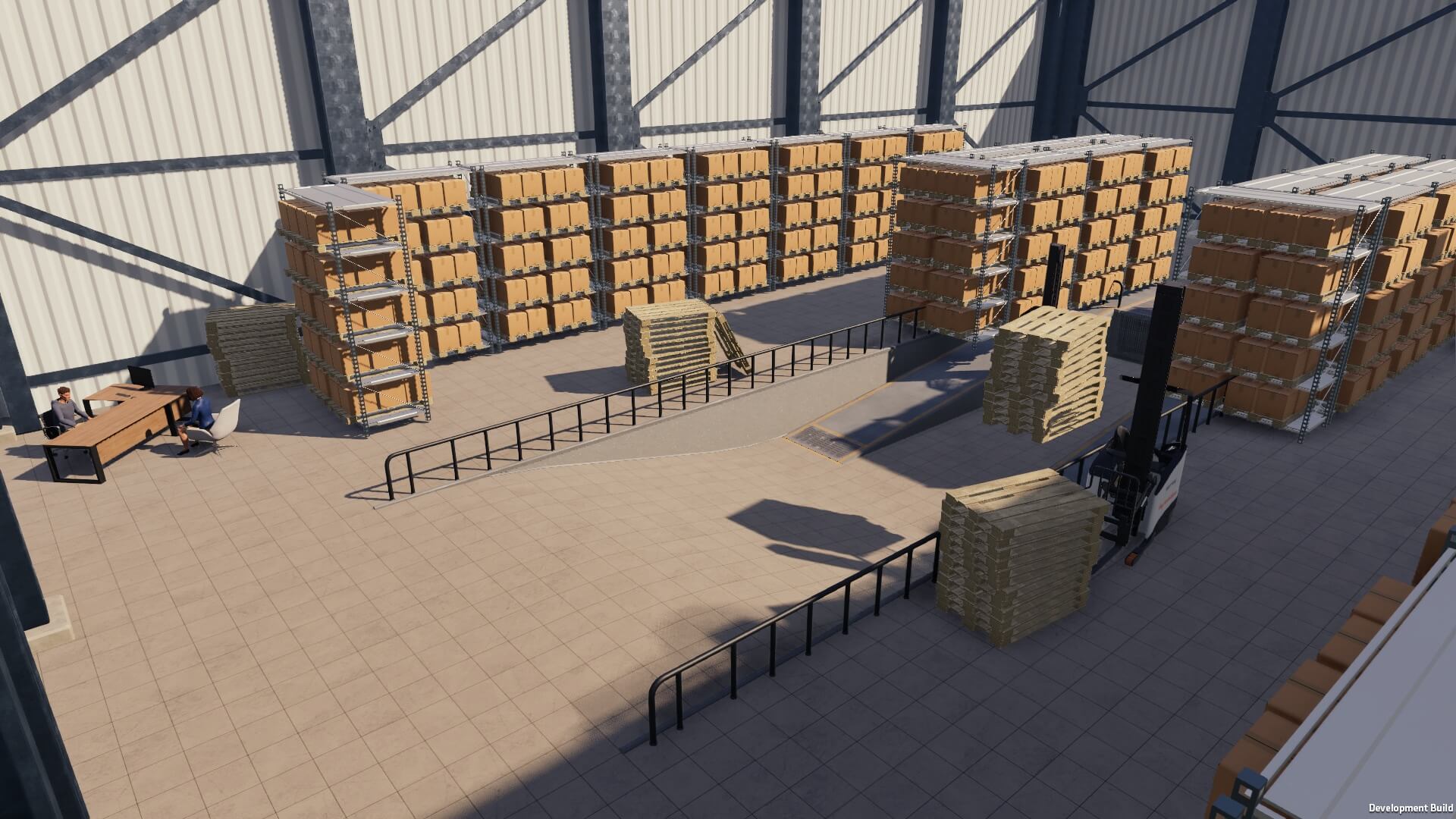
The reference notes that imports need pallet shelves at the warehouse. Plan storage for both incoming goods and the products needed by the businesses you intend to serve.
Official Big Ambitions screenshot — source.
Treat delivery capacity and store space as separate checks
The reference describes warehouse delivery slots and destination capacity, but community reports emphasize checking shelf space at the destination too. After deliveries, inspect the store: full shelves can prevent it from accepting the planned amount.
Use a staged logistics rollout
Start with a limited set of businesses, then add destinations after deliveries are stable. If stores repeatedly run short, check the delivery target, storage capacity, staff and vehicle setup, and whether demand has changed before adding another warehouse.
Understand recurring import targets
The supplied reference distinguishes one-time and repeating imports. A repeating order is treated as a target level, so monitor actual warehouse stock and the importer minimum rather than assuming it always delivers the same quantity.